Space Waves vs Geometry Dash: What's the Difference?
The Question Every Space Waves Player Gets Asked
If you play Space Waves, someone has probably told you it looks just like Geometry Dash. And they're not wrong — the two games share a core mechanic. But after about thirty seconds of playing, the differences become clear. Here's an honest breakdown of how these two games compare and what makes each one worth your time.
What They Have in Common: The Wave Mechanic
The connection starts with Geometry Dash's Wave mode. In Geometry Dash, your character switches between several forms — cube, ship, ball, UFO, and wave. The wave form works like this: hold to fly diagonally upward, release to descend. The angle is steep, the gaps are tight, and timing is everything.
Space Waves takes this exact mechanic and builds an entire game around it. You hold to rise, release to fall, and navigate through an endless corridor of obstacles. If you've mastered wave sections in Geometry Dash, Space Waves will feel instantly familiar — though no less demanding.
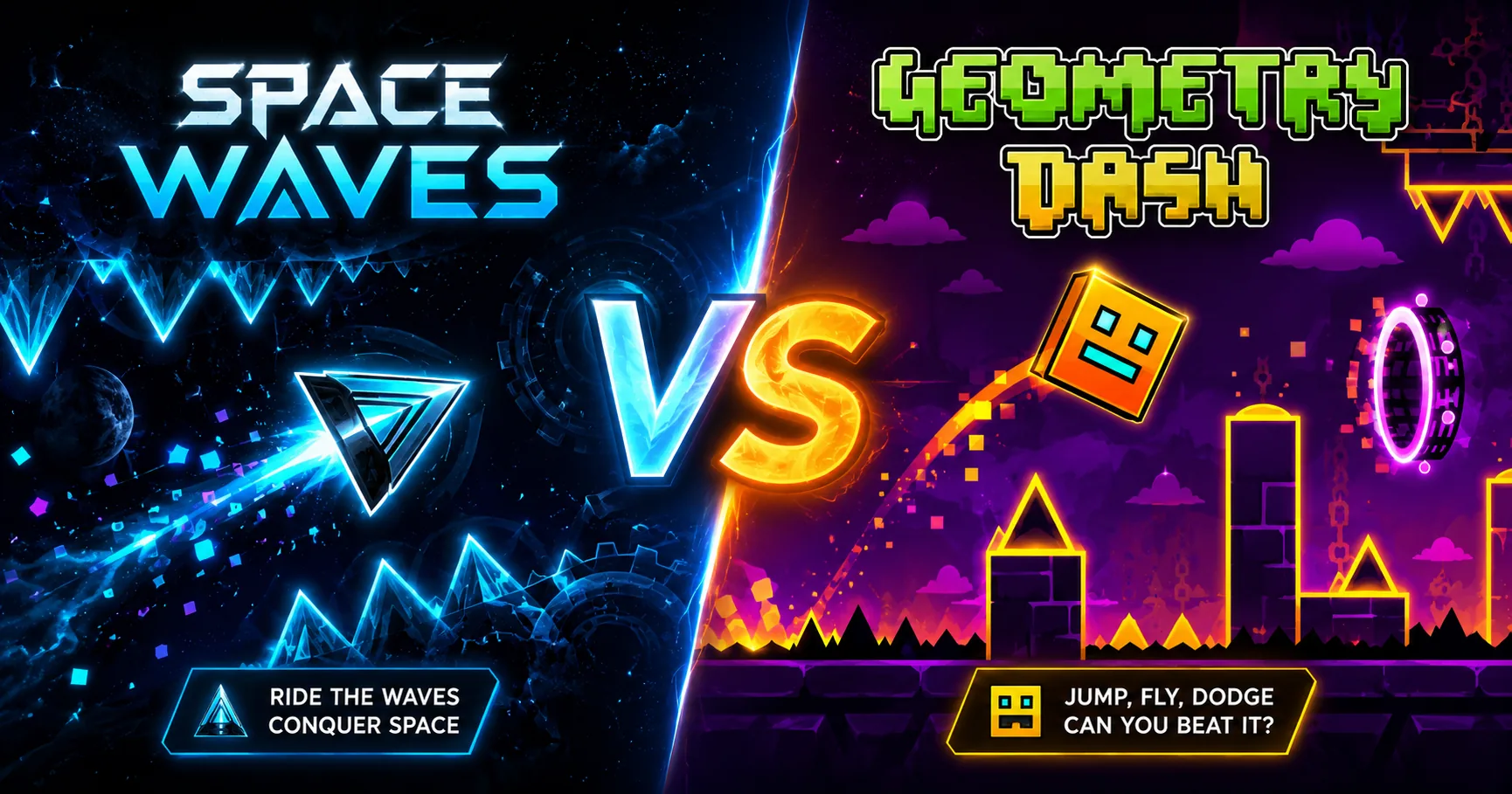
Space Waves vs Geometry Dash: The Key Differences
| Space Waves | Geometry Dash | |
|---|---|---|
| Platform | Browser — no download | Mobile app or Steam |
| Cost | Free | $1.99 (mobile) / $3.99 (Steam) |
| Game modes | Wave mode only | Cube, ship, ball, UFO, wave, robot, spider |
| Music / rhythm | No — pure reflex | Yes — synced to music |
| Level structure | Infinite, procedural | Fixed levels |
| Play at school | ✓ Fully unblocked | ✗ Requires install |
| Community levels | No | Millions of user-made levels |
What Space Waves Does Better
Accessibility. Space Waves loads in your browser in seconds — no account, no download, no payment. It's fully unblocked, which means you can play it on a school Chromebook, a work laptop, or any device with a browser. Geometry Dash requires an install and costs money, which is a real barrier for casual players.
Pure focus. Because Space Waves only does one thing, it's easier to get into a flow state. There are no menus, no cutscenes, no mode-switching. You fail, you restart, you improve. That loop is tight and satisfying in a way that's harder to replicate in a larger game.
What Geometry Dash Does Better
Depth and variety. Geometry Dash has over twenty official levels, multiple game modes, a vast library of community-created content, and a progression system that rewards hundreds of hours of play. If you want something to sink deep into, Geometry Dash is the answer.
The rhythm experience. Every Geometry Dash level is synchronized to a specific track. The music and the obstacles become one. Space Waves has no music-driven design — it's purely a reaction game. Neither is better, but they create very different feelings.
Want to try Geometry Dash in your browser without downloading anything? We have Geometry Dash Lite unblocked available here — the same core gameplay, free, no install needed.
Which One Should You Play?
Play Space Waves if you want something instant, free, and playable anywhere — especially if wave-mode precision is what you enjoy most.
Play Geometry Dash (or Geometry Dash Lite) if you want rhythm-based levels, variety, and a deeper progression system.
Most players who come to Space Waves for the Geometry Dash connection end up enjoying both for different reasons. The mechanic overlaps, but the experiences don't compete.

About the Author: The spacewavesgame.cc Team
We are a group of arcade game enthusiasts who believe that classic shooters deserve a modern and accessible revival for everyone to enjoy.