Can You Play Space Waves on a School Chromebook?
The Short Answer
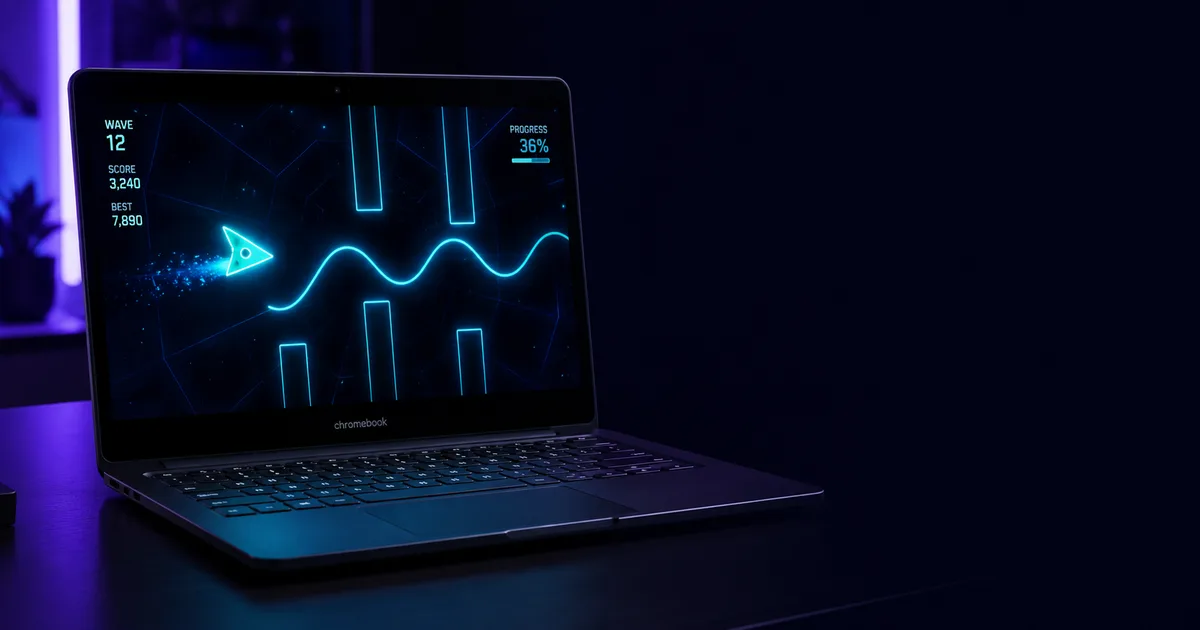
Space Waves runs entirely in your browser — no download, no install required. The Chromebook hardware and Chrome OS are never the problem. Whether you can access the game depends on a single variable: your school's network filter.
Some students open spacewavesgame.cc and are playing within ten seconds. Others hit a block page. The Chromebook is the same; the network policy is different.
Why the Chromebook Itself Isn't the Barrier
Chromebooks run Chrome OS, which handles HTML5 browser games natively — the same way any laptop or desktop does. Space Waves is built entirely in HTML5 and JavaScript, the same technologies behind every website you visit. There's no app to install, no permissions to grant, and no Play Store involved. From the Chromebook's point of view, loading Space Waves looks identical to loading any other webpage.
School-managed Chromebooks often restrict app installs and block certain system-level changes through Google's device management tools. None of that applies to a browser game. Space Waves lives in a tab and starts in seconds — the hardware and operating system are never the obstacle.
How School Filters Actually Work on Chromebooks
Most schools pair Chromebooks with filter software — tools like GoGuardian, Securly, or Lightspeed. These don't modify Chrome OS itself. Instead, they install as Chrome extensions pushed automatically from Google Admin Console. The extension checks every URL you visit against a category database in real time.
Websites get assigned labels: "Games," "Entertainment," "Social Media," and so on. School IT administrators then decide which categories to block. If spacewavesgame.cc has been classified under "Games" in your school's setup, the request never completes. If it hasn't been classified that way, or your school uses a more permissive policy, the page loads normally.
GoGuardian and Securly also use AI content analysis that scans what's on the page — not just the URL. Even if a domain isn't pre-categorised, the filter can flag it based on what it sees. This is why the same game can work at one school and be blocked at another with no difference in the device itself.
Why Space Waves Stands a Better Chance Than Most Games
The sites that get reliably blocked are large, well-known aggregators — platforms hosting hundreds of titles that filter companies flagged as "Games" years ago. spacewavesgame.cc is a single-game site, which means it's far less likely to appear in those pre-built blocklists. Schools running GoGuardian or Securly may have no rule for this domain at all.
The game also produces no unusual network footprint. No persistent tracking cookies, no install, no background process. It loads, you play, you close the tab. That clean, lightweight behavior is part of why it gets through on networks where heavier gaming platforms don't.
Why Space Waves Works When Geometry Dash Doesn't
If you've tried getting Geometry Dash on a school Chromebook, you already know the issue: the full game requires a mobile app install or Steam, neither of which are available on a managed school device.
Space Waves sidesteps all of that. It's the wave mechanic — the part of Geometry Dash most players love — extracted into a pure browser game. No install, no payment, no barrier. We also have Geometry Dash Lite unblocked available here for exactly the same reason: it runs entirely in the browser with nothing to install.
What to Do If It's Blocked
If spacewavesgame.cc doesn't load on your school's network, the filter has the domain categorised under a blocked label. There are two realistic paths. The first is playing on a personal device connected to your own mobile data rather than the school WiFi — on your own network, school filters don't apply. The second is simply trying again later; filter configurations change when IT administrators update settings, and a blocked site today may not be tomorrow.
We don't recommend trying to bypass your school's filter. Aside from the policy risk, most bypass methods are unreliable and get patched quickly.
Frequently Asked Questions
Does Space Waves require a download on Chromebook?
No. Space Waves loads entirely in the browser — nothing to download, install, or update. Open the page and you're playing.
Why can my friend play at their school but I can't at mine?
Different schools configure their filters differently. Your friend's school may use less aggressive settings, or spacewavesgame.cc may not be classified under a blocked category in their filter. The game is identical — only the network rules differ.
Is Space Waves blocked by GoGuardian?
It depends on your school's configuration. GoGuardian blocks by category, and each school's administrator chooses which categories to restrict. The site may or may not fall under "Games" in your school's specific setup — there's no single answer that applies everywhere.
Can I play on a school Chromebook without WiFi?
No. Space Waves is browser-based and needs an active internet connection to load. There's no offline mode.
What's the quickest way to know if it works at my school?
Just try it. Open spacewavesgame.cc in your Chromebook's browser. If it loads, you're good to go. If your school's filter blocks the domain, you'll see a block page immediately — no harm done either way.

About the Author: The spacewavesgame.cc Team
We are a group of arcade game enthusiasts who believe that classic shooters deserve a modern and accessible revival for everyone to enjoy.